Split PDF

PDF स्प्लिट करें

  • 100% free
  • No sign-up
  • Private – runs in your browser
  • Works on mobile

How to use the Split PDF

Split a PDF into several files – by page ranges, every N pages or one file per page.

  1. Choose your PDF – the pages appear as small pictures.
  2. Pick how to split: page ranges (1-3, 4-8), every N pages, every page, or tap where each new file starts.
  3. Tap Split PDF – one file downloads, or a ZIP when there are several.
See the steps as a picture
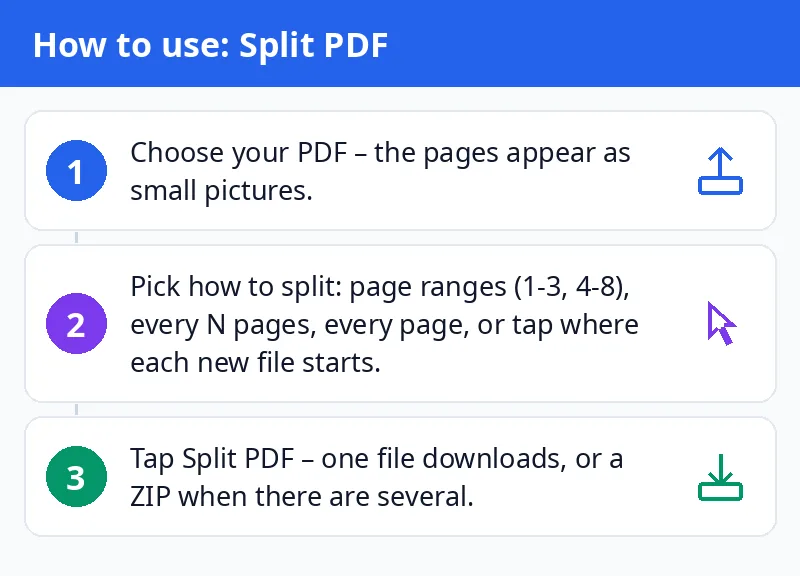
How to use Split PDF: 1. Choose your PDF – the pages appear as small pictures. 2. Pick how to split: page ranges (1-3, 4-8), every N pages, every page, or tap where each new file starts. 3. Tap Split PDF – one file downloads, or a ZIP when there are several.

Supported formats: PDF

Ways to split

OptionExampleResult
By page ranges1-3, 4-8, 9-3 files: pages 1–3, 4–8 and 9 to the end
Every N pages2pages 1–2, 3–4, 5–6 …
Every page separatelyone PDF per page
Start at tapped pagestap pages 4 and 91–3, 4–8, 9–end

File names include the page numbers, for example bill-02-pages-4-8.pdf.

Private by design

Your PDF is opened and changed inside your browser – it is never uploaded to a server. That makes it safe for bills, certificates, bank statements and ID documents.

Good to know

  • Works with PDFs up to about 100 MB; very large files are slower on phones.
  • Password-protected PDFs cannot be changed here. Open the file in a PDF viewer, save a copy without the password, then try again.
  • Your original file is not changed – you download a new copy.

Frequently asked questions

How do I split one page out of a PDF?

Use Extract PDF Pages to take just the pages you need into a new PDF, or choose “By page ranges” and type that page number.

Why did I get a ZIP file?

When the split makes more than one PDF they are packed in a ZIP so they download together. Phones open ZIP files in the Files app.

Is the quality reduced?

No. Pages are copied as they are – text stays sharp and searchable.