Business Calculator

बिज़नेस कैलकुलेटर

  • 100% free
  • No sign-up
  • Private – runs in your browser
  • Works on mobile
 
0
GST

How to use the Business Calculator

A simple shop calculator with GST add/remove, margin, markup, discount, memory, grand total and a paper tape.

  1. Type an amount, then use + − × ÷ like a normal calculator.
  2. Tap + GST or − GST (choose the rate first), or Margin, Markup or Disc % then the % and =.
  3. Every result is listed on the paper tape – copy it or use GT for the grand total.
See the steps as a picture
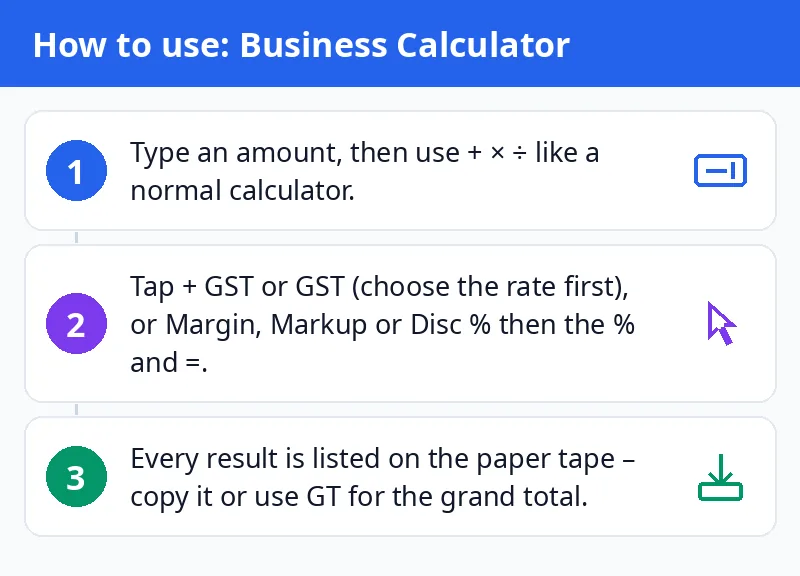
How to use Business Calculator: 1. Type an amount, then use + − × ÷ like a normal calculator. 2. Tap + GST or − GST (choose the rate first), or Margin, Markup or Disc % then the % and =. 3. Every result is listed on the paper tape – copy it or use GT for the grand total.

What each business key does

KeyExampleResult
+ GST1000, rate 18%, + GST1,180 (base 1,000 + GST 180 = CGST 90 + SGST 90)
− GST1180, rate 18%, − GST1,000 (the price before tax)
Margin80, Margin, 20, =100 – sell at 100 to keep 20% of the selling price as profit
Markup80, Markup, 25, =100 – cost plus 25% of cost
Disc %1000, Disc %, 15, =850 – the customer saves 150
%500 + 10 %550 (500 plus 10% of 500)
GTafter several =the total of all results (grand total)
M+ M− MR MCadd to, subtract from, recall and clear the memory

Margin or markup?

Margin is profit as a share of the selling price; markup is profit as a share of the cost. Buying at ₹80 and selling at ₹100 is a 20% margin but a 25% markup. Shops usually quote margin; suppliers often think in markup.

Good to know

  • × and ÷ are worked out before + and − (2 + 3 × 4 = 14), like a scientific calculator.
  • Numbers use Indian commas (lakh, crore). The paper tape and memory are kept in this browser only.
  • Works with the keyboard: digits, + − * /, Enter, %, Backspace and Esc.

Frequently asked questions

How do I add 18% GST to a price?

Choose 18% in the GST row, type the price and tap + GST. The tape shows the base, the GST split into CGST and SGST, and the total.

How do I find the price without GST?

Type the amount that already includes GST and tap − GST. For ₹1,180 at 18% you get ₹1,000 before tax.

What is the difference between margin and markup?

Margin is profit divided by the selling price; markup is profit divided by the cost. Cost ₹80 and price ₹100 is a 20% margin or a 25% markup.

Does the % key work like a shop calculator?

Yes: 500 + 10 % gives 550, 500 − 10 % gives 450 and 500 × 10 % gives 50.

Is my data saved?

Only in this browser, so the tape is still there next time. Nothing is sent to a server. Tap Clear to remove it.