Video to JPG – Frame Grabber

वीडियो से फोटो (फ्रेम)

  • 100% free
  • No sign-up
  • Private – runs in your browser
  • Works on mobile

How to use the Video to JPG – Frame Grabber

Save any moment of a video as a full-quality photo, or capture frames every few seconds.

  1. Choose a video.
  2. Pause on the moment you want and choose “Only the current frame” – or capture every few seconds.
  3. Click Capture frames and download the pictures (or all as ZIP).
See the steps as a picture
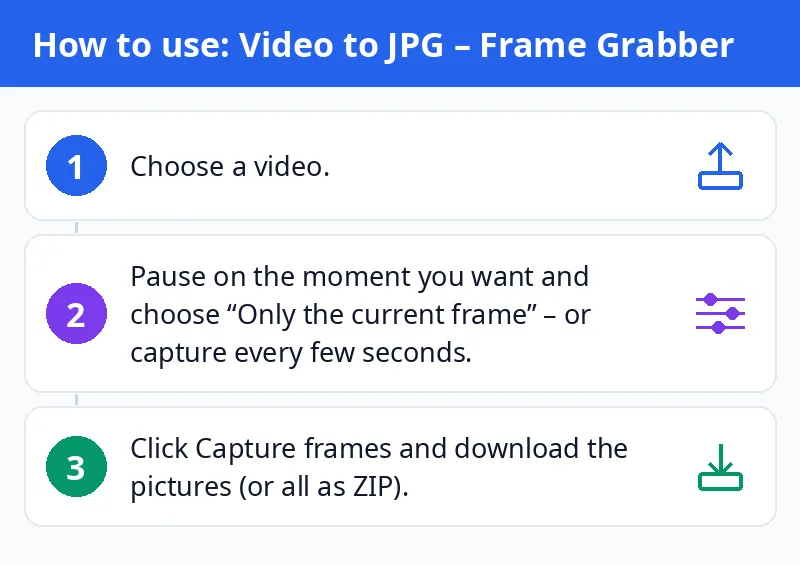
How to use Video to JPG – Frame Grabber: 1. Choose a video. 2. Pause on the moment you want and choose “Only the current frame” – or capture every few seconds. 3. Click Capture frames and download the pictures (or all as ZIP).

Supported formats: MP4, WebM, MOV, MKV, 3GP → JPG, PNG

Getting the sharpest frame

Video frames during movement are often blurred. Use the player to step through and pause where the subject is still. Frames are saved at the video’s full resolution (for example 1920×1080).

This tool does not need the video engine – it is instant.

Only capture frames from videos you own or have permission to use.

Frequently asked questions

What resolution are the pictures?

The same as the video – 1080p video gives 1920×1080 pictures.

Can I take a photo from a YouTube video?

This tool works with video files on your device only.