PDF to Text Converter

PDF से टेक्स्ट निकालें

  • 100% free
  • No sign-up
  • Private – runs in your browser
  • Works on mobile

How to use the PDF to Text Converter

Copy all the text out of a PDF, or download it as a .txt file.

  1. Choose your PDF – the text appears straight away.
  2. Tap Copy text, or Download .txt.
  3. For scanned PDFs with no text, use an OCR app instead.
See the steps as a picture
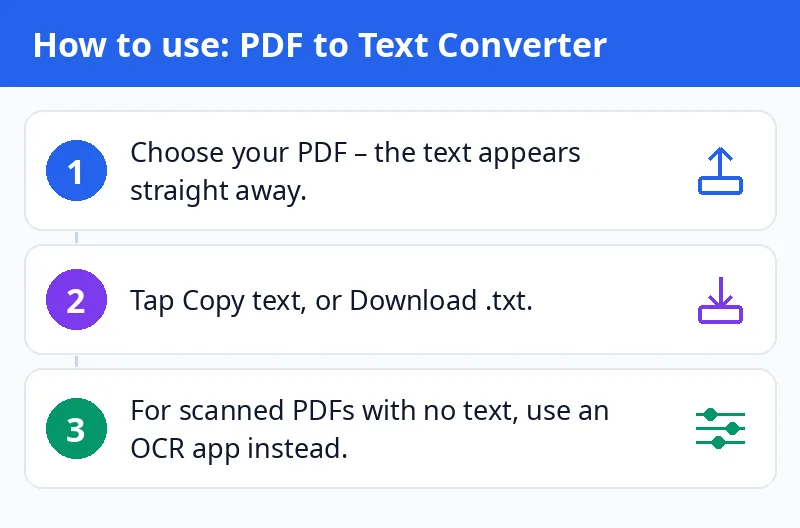
How to use PDF to Text Converter: 1. Choose your PDF – the text appears straight away. 2. Tap Copy text, or Download .txt. 3. For scanned PDFs with no text, use an OCR app instead.

Supported formats: PDF → TXT

Which PDFs work?

PDFs made from Word, websites, bank statements and e-books contain real text and convert well. A PDF made by scanning paper contains only pictures of text – there is nothing to extract, and the tool tells you so.

Lines are rebuilt from the page layout; tables come out as lines of text.

Private by design

Your PDF is opened and changed inside your browser – it is never uploaded to a server. That makes it safe for bills, certificates, bank statements and ID documents.

Good to know

  • Works with PDFs up to about 100 MB; very large files are slower on phones.
  • Password-protected PDFs cannot be changed here. Open the file in a PDF viewer, save a copy without the password, then try again.
  • Your original file is not changed – you download a new copy.

Frequently asked questions

Why is the text empty?

The PDF is a scan (images). Text recognition (OCR) is needed for those.

Does Hindi text come out correctly?

If the PDF stores Unicode Hindi text, yes. Some older PDFs use special fonts that turn into odd letters when copied.