Rotate PDF

PDF रोटेट करें

  • 100% free
  • No sign-up
  • Private – runs in your browser
  • Works on mobile

How to use the Rotate PDF

Turn PDF pages the right way up – one page or all pages.

  1. Choose your PDF.
  2. Tap a page to turn it 90°, use ⟲ ⟳ under a page, or rotate all pages at once.
  3. Tap Save rotated PDF.
See the steps as a picture
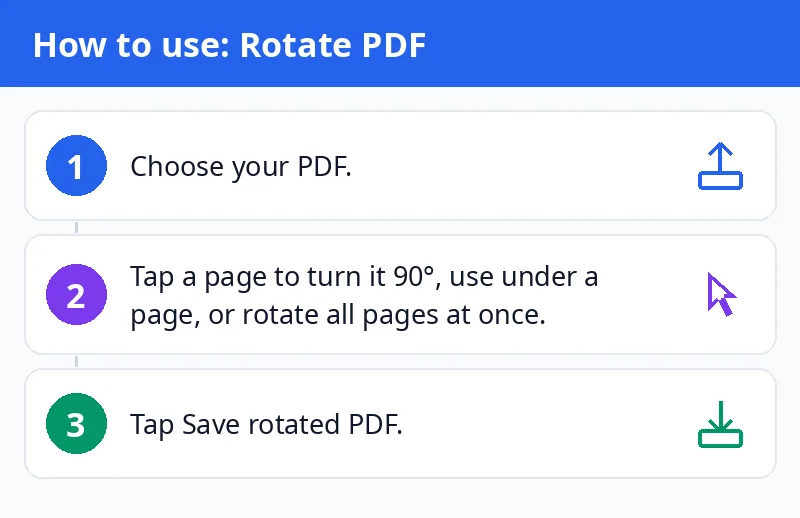
How to use Rotate PDF: 1. Choose your PDF. 2. Tap a page to turn it 90°, use ⟲ ⟳ under a page, or rotate all pages at once. 3. Tap Save rotated PDF.

Supported formats: PDF

Sideways and upside-down pages are common in phone scans. Rotating here changes the page's direction setting only, so text and images keep their full quality.

Private by design

Your PDF is opened and changed inside your browser – it is never uploaded to a server. That makes it safe for bills, certificates, bank statements and ID documents.

Good to know

  • Works with PDFs up to about 100 MB; very large files are slower on phones.
  • Password-protected PDFs cannot be changed here. Open the file in a PDF viewer, save a copy without the password, then try again.
  • Your original file is not changed – you download a new copy.

Frequently asked questions

Does rotating reduce quality?

No. The page is not redrawn – only its direction is changed.

Can I rotate just one page?

Yes – tap that page (or its ⟳ button) and save.