
Split PDF
PDF स्प्लिट करें
- 100% free
- No sign-up
- Private – runs in your browser
- Works on mobile
Files download together as a ZIP when there is more than one.
How to use the Split PDF
Split a PDF into several files – by page ranges, every N pages or one file per page.
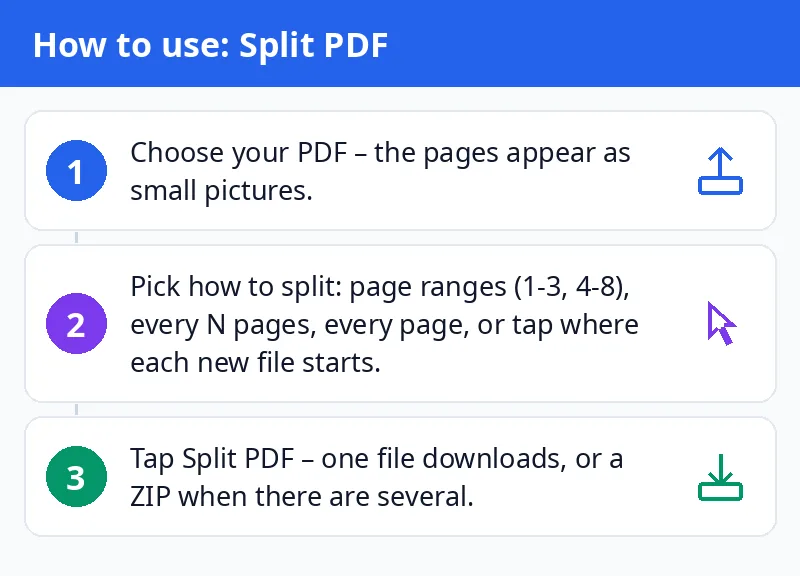
- Choose your PDF – the pages appear as small pictures.
- Pick how to split: page ranges (1-3, 4-8), every N pages, every page, or tap where each new file starts.
- Tap Split PDF – one file downloads, or a ZIP when there are several.
See the steps as a picture
Was this tool helpful?
Thank you! Your feedback helps us improve this tool.
Tell us what to improve →