PDF से पेज निकालें

Extract PDF Pages

  • 100% फ्री
  • साइन-अप की ज़रूरत नहीं
  • प्राइवेट – आपके ब्राउज़र में चलता है
  • मोबाइल पर भी चलता है

PDF से पेज निकालें कैसे इस्तेमाल करें

Pick the pages you need and save them as a new PDF.

  1. Choose your PDF.
  2. Tap the pages to keep (they get a tick) or type them, e.g. 1-3, 7.
  3. Tap Extract pages to download the new PDF.
स्टेप्स तस्वीर में देखें
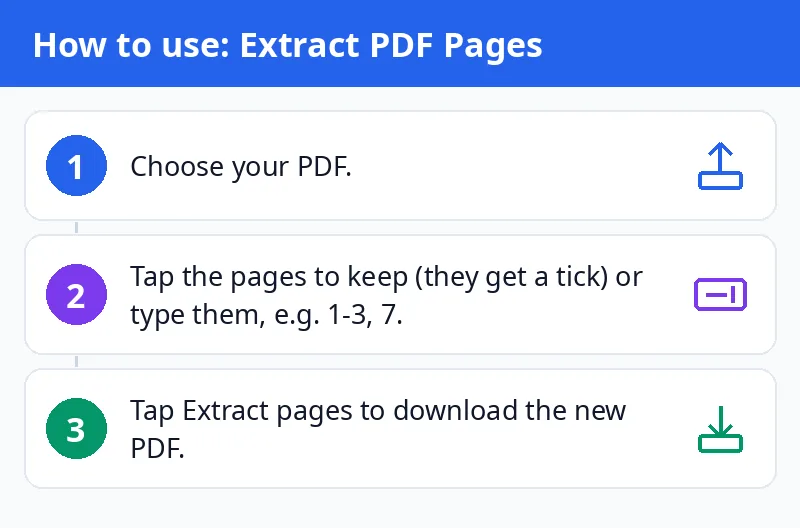
How to use Extract PDF Pages: 1. Choose your PDF. 2. Tap the pages to keep (they get a tick) or type them, e.g. 1-3, 7. 3. Tap Extract pages to download the new PDF.

सपोर्टेड फॉर्मेट: PDF

When to use it

  • Send only the marksheet page from a long scanned document.
  • Keep the first page of a bill as proof of address.
  • Take a chapter out of an e-book or notes.

Pages come out in the order you type them, so 5, 1-3 puts page 5 first.

Private by design

Your PDF is opened and changed inside your browser – it is never uploaded to a server. That makes it safe for bills, certificates, bank statements and ID documents.

Good to know

  • Works with PDFs up to about 100 MB; very large files are slower on phones.
  • Password-protected PDFs cannot be changed here. Open the file in a PDF viewer, save a copy without the password, then try again.
  • Your original file is not changed – you download a new copy.

अक्सर पूछे जाने वाले सवाल

Can I change the page order?

Yes – type the pages in the order you want, for example 3, 1, 2. For drag-and-drop ordering use Organize PDF.

Does the original PDF change?

No, a new PDF is downloaded. The original stays as it was.