फोटो में बॉर्डर लगाएँ
Add Border to Image
- 100% फ्री
- साइन-अप की ज़रूरत नहीं
- प्राइवेट – आपके ब्राउज़र में चलता है
- मोबाइल पर भी चलता है
Preview
Border & cornersframe, rounded corners
Rounded corners are transparent in PNG and WebP; in JPG they take the border colour.
Cropfree, square, 16:9, passport, circle
Drag to move, drag a corner to resize.
Rotate & flip90°, straighten, mirror
Adjustbrightness, contrast, saturation, sharpness
Filtersblack & white, sepia, vintage, sketch
Blur & pixelatehide faces, numbers, backgrounds
Drag over faces or numbers to hide them.
Textcaptions, quotes, meme text
Hindi and emoji work. Choose “Where I drag it” and drag on the photo to place the text.
Watermarkname or © on your photo
Resize & social sizespixels, %, Instagram, YouTube…
Fill one box to keep the proportions. Leave both empty to use the % slider.
More Editing Tools
फोटो में बॉर्डर लगाएँ कैसे इस्तेमाल करें
Add a coloured frame and rounded corners to any photo.
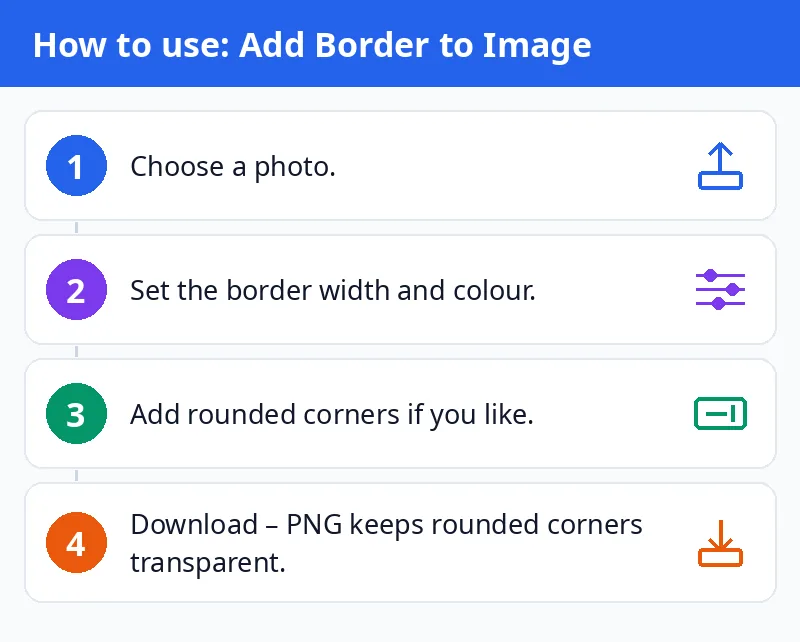
- Choose a photo.
- Set the border width and colour.
- Add rounded corners if you like.
- Download – PNG keeps rounded corners transparent.
स्टेप्स तस्वीर में देखें